
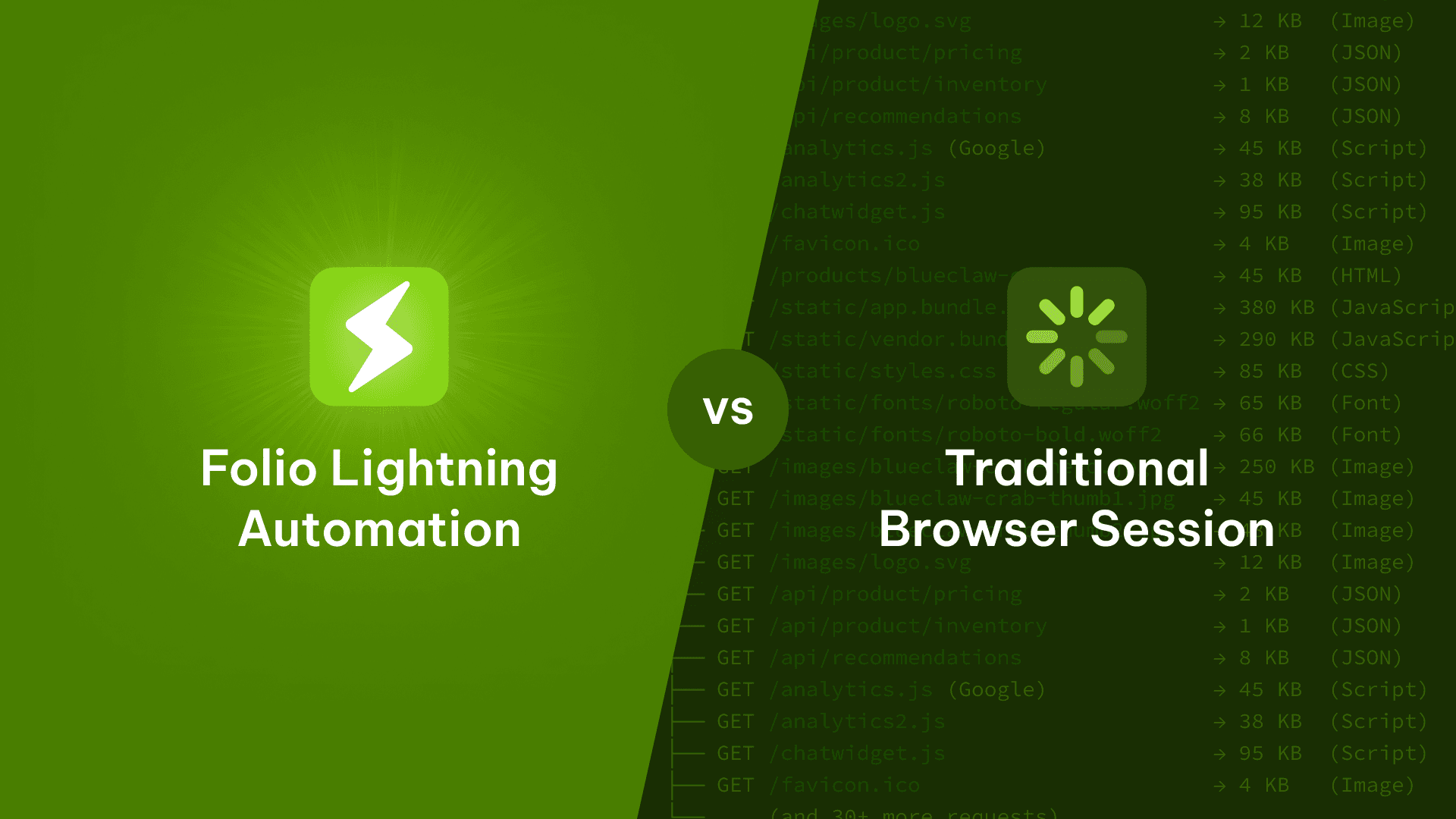
As we've partnered with suppliers to integrate Folio's procurement agent with their order platforms, we've encountered a few flavors of important question:
"What sort of load will Folio's procurement agent put on our website?"
It's an important one, and our answer is key to how we work successfully with suppliers.
We're proud to say that a Folio Lightning Automation ordering interaction is typically lighter on a supplier's web infrastructure than a traditional cXML PunchOut session or even a direct website visit.
Additionally, we've designed our periodic catalog refresh cycles to be flexible, allowing us to optimize these price and inventory updates based on guidance and direction from our supplier partners.
In this post, I'll go into how Folio's procurement agent is carefully designed to be "byte-sized" - driving order volume to our suppliers while balancing reasonable customer web traffic on supplier websites through highly-optimized interactions.
But we have to get a bit nerdier in order to explain.
What happens when someone visits a website
There's a clichéd but great interview question for software engineering roles:
What happens when you type google.com into a browser?
A candidate might go deep into networking TLS handshakes or perhaps DNS record lookups or even the electro-mechanical-triggers from your finger on the keyboard itself. It's somewhat of a choose-your-own-adventure path, hopefully demonstrating curiosity and acumen. A great answer needs to be able to navigate this complex series of integrations at a high-level, and then be able to go deep into one or two of the sub-systems.
Alas, interviewing for engineers isn't our point here — but we are hiring! Instead, let's actually focus on one part of what happens when you type google.com into your browser. Rather than Google, let's use my favorite made-up supplier "Charlie's Crab Shack" — which, we'll assume, is located at https://www.charliecrab.com (a domain which I just bought, by the way).
When a customer visits Charlie's Crab Shack's ordering website and browses through products, the customer's web browser is doing a lot of work behind the scenes. We discussed this file exchange process in a previous post in this series called "How Folio Connects with Suppliers." The customer's web browser doesn't just fetch the HTML document for the page; it fetches everything the HTML page references:
CSS stylesheets (often multiple)
JavaScript bundles (often very large)
Images — product photos, logos, icons, background images
Fonts
Analytics scripts (Google Analytics, Segment, etc.)
Third-party widgets (chat widgets, support tools, cookie banners)
Tracking pixels
Favicon requests
Prefetched resources for "next page" optimizations
You can see all of this yourself by opening your browser's Developer Tools (right-click → Inspect → Network tab) and visiting any e-commerce site. Give it a shot on your favorite supplier website. You'll likely see hundreds of network requests fire off before you've even scrolled down the page.
Here's a simplified illustration of what a single page visit might look like:
That 1.5MB of bandwidth is just for one product page.
Now imagine a buyer browsing through 20 or 30 products during a purchasing session, adding items to their cart, reviewing their order, like they might do during a traditional cXML PunchOut session.
When you add it up, a single cXML PunchOut browsing session can easily generate over a thousand HTTP requests and transfer 50+ MB of data, per customer, per order.
What Folio Lightning Automations do instead
Folio Lightning Automations don't have to load websites the same way a browser does. Folio's agent doesn't need your CSS to place an order. Folio's agent doesn't need your font assets to place an order. And so on.
When Folio needs to check product details, our agent makes direct API calls to the same backend endpoints that power your website's frontend, but we can skip everything else.
Here's what a Lightning Automation product check might look like:
That's it. Five kilobytes instead of 1.5 megabytes for the same essential information.
Measuring the difference: a real-world comparison
We recently benchmarked the network activity of a Folio Lightning Automation order flow against the equivalent manual PunchOut session on a supplier partner's website. The test scenario was the same: authenticate, build a cart with a handful of items, and submit a purchase order.
Here's what we found:
Metric | Folio Lightning Automation | Manual PunchOut |
|---|---|---|
Network entries | 301 | 1,171 |
Request payload | 1.62 MB | 6.05 MB |
Response payload | 7.84 MB | 48.56 MB |
Combined total | 9.45 MB | 54.62 MB |
Let me put that into perspective with a visual. Imagine each block below represents roughly 5 MB of network traffic:
The Lightning Automation used about 83% less bandwidth and generated about 74% fewer HTTP requests than the cXML PunchOut flow. And this was for a single order — those savings compound across hundreds of hotel properties placing orders every day.
Why is the difference so dramatic? The PunchOut session loaded the full website experience — every JavaScript bundle, every stylesheet, every product image thumbnail, every tracker, every font file. The Lightning Automation requested only the structured data (JSON) needed to verify pricing, check inventory, build the cart, and submit the order.
Under the hood of a Folio Lightning Automation request
In the spirit of the code examples from the first two posts in this series, let's look at what's actually happening at the HTTP level when Folio interacts with a supplier's website on behalf of a hotel property.
Step 1: Session establishment
When Folio needs to authenticate, we POST credentials directly to the supplier's login API endpoint — the same endpoint their own website's login form uses. No browser rendering, no loading a login page's CSS and JavaScript, just a direct credential exchange.
That's ~800 bytes round-trip. A browser-based login would load the login page HTML, its stylesheets, scripts, images, and then submit the form — easily 500 KB or more before the credential exchange even happens.
Folio caches those session cookies and reuses them until expiration. For a hotel property ordering a few times per week, we might authenticate once every few days.
Step 2: Checking pricing and inventory
When a hotel buyer views a product on Folio, we refresh its pricing and stock status by calling the supplier's product API directly:
Followed by a pricing call.
Also notice that deliveryCutoff string? Folio parses these metadata strings to surface ordering deadlines directly in the hotel's checkout flow, so buyers know exactly when they need to place their order for next-day delivery. That's a detail that gets lost in a traditional EDI catalog but is right there in the supplier's web API response.
Step 3: Building a cart and submitting the order
When an approved order is ready to go, Folio builds the cart via direct API calls:
Folio handles edge cases in real time here — if a product's quantity has been reduced since the buyer added it to their Folio cart, or if a shipping method has changed, the automation adapts. Once the cart is fully built, we set the PO number and submit:
Note that the supplier might return multiple confirmation numbers — one per warehouse sub-cart. Folio captures all of them and makes them visible to the hotel buyer. We also capture a screenshot of the confirmation page for auditability, which is an extra layer of verification that the order went through exactly as intended.
The entire order submission flow — authentication check, cart build, and submit — generates roughly 301 network entries and 9.45 MB of total traffic. The equivalent flow via PunchOut? 1,171 entries and 54.62 MB. Same order, same products, dramatically different resource footprint.
Background syncs: smart, flexible prioritization
So far we've been talking about user-initiated traffic — what happens when a hotel buyer is actively browsing and ordering on Folio. But what about the periodic background syncs that keep catalog data fresh?
Our default background sync strategy is built around a simple principle: sync what matters most, and sync it first.
Here's how we break down our traffic:
User-initiated reads (triggered by active hotel buyer sessions): These are things like product page views and inventory checks when someone is actively shopping. They reflect genuine purchase intent and are the lightest-touch interactions we make — direct API calls for specific products.
User-initiated writes (triggered by a human approving an order): This is the order submission itself — revenue-generating activity for both the supplier and the hotel. A single POST to submit the cart.
Periodic background traffic (scheduled catalog and order syncs): These are the background jobs that keep Folio's catalog data fresh. Here's where our optimization matters most:
Previously ordered products get priority. If a hotel has ordered coffee beans from you every week for the past six months, those coffee beans are the first items we sync. We know they're going to be reordered, so we make sure the pricing and availability are current.
Full catalog syncs happen on a longer cadence, with more flexibility. For suppliers with large catalogs, we don't refreshcos your entire product database every night. We refresh the full catalog on a weekly to monthly basis, depending on the supplier type and catalog volatility.
We like to work closely with our supplier partners to design a catalog refresh loop that meets their expectations of how "fresh" their catalog needs to be (usually in terms of price and stock availability). Given that these background syncs do produce traffic on supplier websites, we've been able to design a flexible approach to how often we do these catalog syncs, as well as provide ways for suppliers to monitor and observe Folio's interactions with their systems.
The supplier's side of the equation of Folio Lightning Automations
When hotels can order from you more easily via Folio, they order more. The data from our supplier partnerships bears this out:
Share of wallet increases. Across mutual customers with one of our supplier partners, share of wallet grew from 2.56% to 5.44% after Folio go-live — a 2.88 percentage point increase. Monthly spend from supplier family brands increased by over 50%.
You get paid faster. Folio's streamlined invoice processing and payment automation reduced average days sales outstanding (DSO) from 25 days to 10 days across five pilot properties. On-time payment rates jumped from roughly 65% to 96%.
Less support overhead. Because Folio manages the integration end-to-end, suppliers don't need to configure PunchOut connections or debug EDI translation issues for each new hotel. That's engineering time back in your pocket.
The efficiency of Lightning Automations isn't just a "nice to have" from a server load perspective — it's the mechanism that enables these business outcomes. A lighter-weight integration means faster onboarding, more reliable order submission, and fewer failure modes that require manual intervention.
Summing it all up
If you're a supplier evaluating Folio's Lightning Automations, here's the condensed version:
Lightning Automations requests are optimized to consume less bandwidth than equivalent PunchOut sessions because we tend to make targeted API requests instead of loading full web pages.
We generate fewer HTTP requests for a given page view, and the requests we do make are the same ones your own website's frontend makes — just without the static assets.
Sessions are cached and reused, minimizing authentication overhead.
Background syncs are prioritized around actual ordering behavior — we refresh the products your customers buy first, not your entire catalog every night.
The payoff for suppliers is measurable: increased share of wallet, faster payments, and zero integration setup cost.
Have questions about how Lightning Automations interact with your infrastructure? Want to see traffic data specific to your integration? Drop us a line — we love digging into this stuff. And, as always, we're hiring for engineers!